Payment Checklist for Texas Contractors
Use this job-start checklist to capture contracts, payment terms, notices, and lien dates before a past-due invoice becomes a crisis.
BuilderMaxPro is software, not a law firm. It is not a substitute for the advice of an attorney.
For Texas private projects with original contracts entered into on or after January 1, 2022; public projects are not covered. Dates and forms are built from the facts you enter, so check them and ask a Texas construction attorney about your situation. Coverage and limits →
Retainage, payment-bond and extended-suit dates are being corrected; check them with a Texas construction attorney.
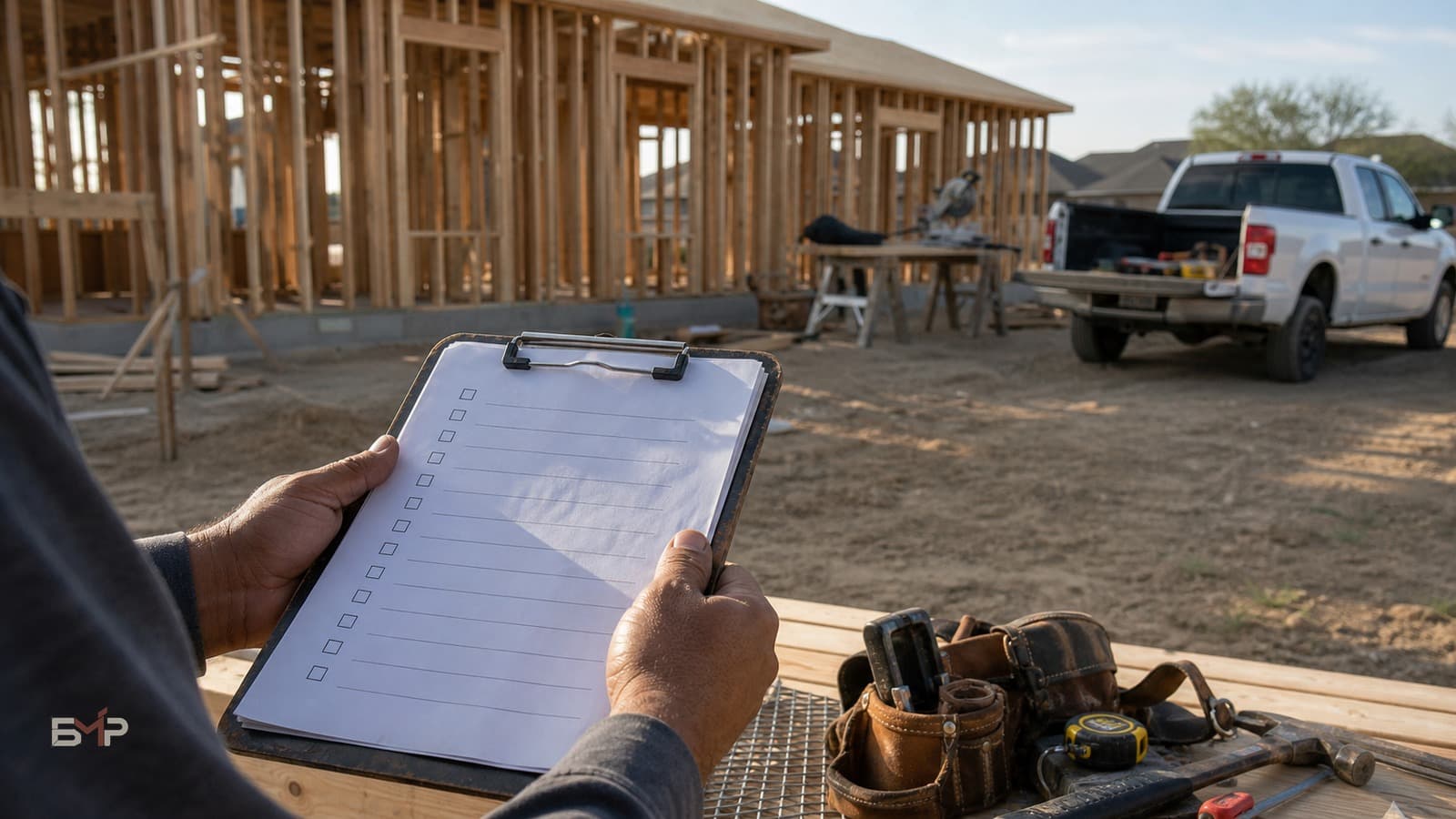
Start with the job records
Record the agreed scope, changes and project dates while they are available. These are the facts you can review when a question comes up. A checklist organizes records; it does not promise payment or replace your attorney.
The Job-Start Records Checklist
Before you start the work, make sure you have — and have recorded — all of this: 1. A signed contract. Not a handshake, not a text. The terms, in writing, agreed to. 2. A clear, written scope. Specific enough that "I thought that was included" has no room to live. 3. A payment schedule with real dates. Deposit, progress payments, final — when each is due, in writing. "At the end" is not a schedule. 4. Owner and/or GC contact and info. Who's actually paying you, and how to reach them — the payment chain, on the record. 5. Your change-order method, agreed up front. Decide now how changes get approved, so there's no debate later. (No write-up, no extra work.) 6. Invoices ready to go, with backup. Know what each invoice will include and what proof it'll carry, so it's approvable on sight. 7. Photos and delivery proof. Document conditions and materials. Pictures end arguments. 8. Your lien calendar. Know the key Texas dates for this job now — not when you're already in trouble. (And keep an attorney's number handy for the actual filing.)
The checklist only works if it lives somewhere
Keep the contract, scope, schedule, contacts, changes, invoices, photos and project dates connected to the job. The point is to make the records you enter visible when you need to review them or speak with your attorney.
How BuilderMaxPro helps
BuilderMaxPro keeps the Texas lien deadlines it tracks inside your projects, using the facts you enter. Keep those facts with your job records and review them with your attorney. No software can promise you'll be paid, and BuilderMaxPro won't.
Frequently asked questions
This is a lot for a small job. Do I really need all eight?
The bigger the job, the more all eight matter — but even on small ones, the signed scope, the dated payment schedule, and the change-order rule prevent the vast majority of disputes. Scale the formality to the job, but never skip those three.
What's the one item contractors skip most?
The lien calendar. People put off learning their key dates until they're already in a payment fight — by which point the most important deadlines may have passed. Capture the dates at the start, while you still have all your options.
Do I need software to do this?
No — you can run the checklist with paper and a folder. The only real requirement is that everything for a job lives in one place you can actually find. Tools like BMP just make "one place" automatic instead of something you have to maintain by hand.